

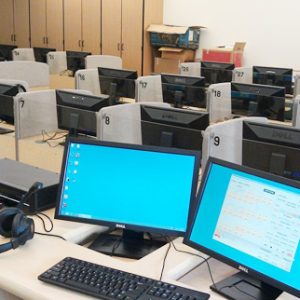

Audio Visual Teaching Broadcasting System
₦0.00
1 in stock
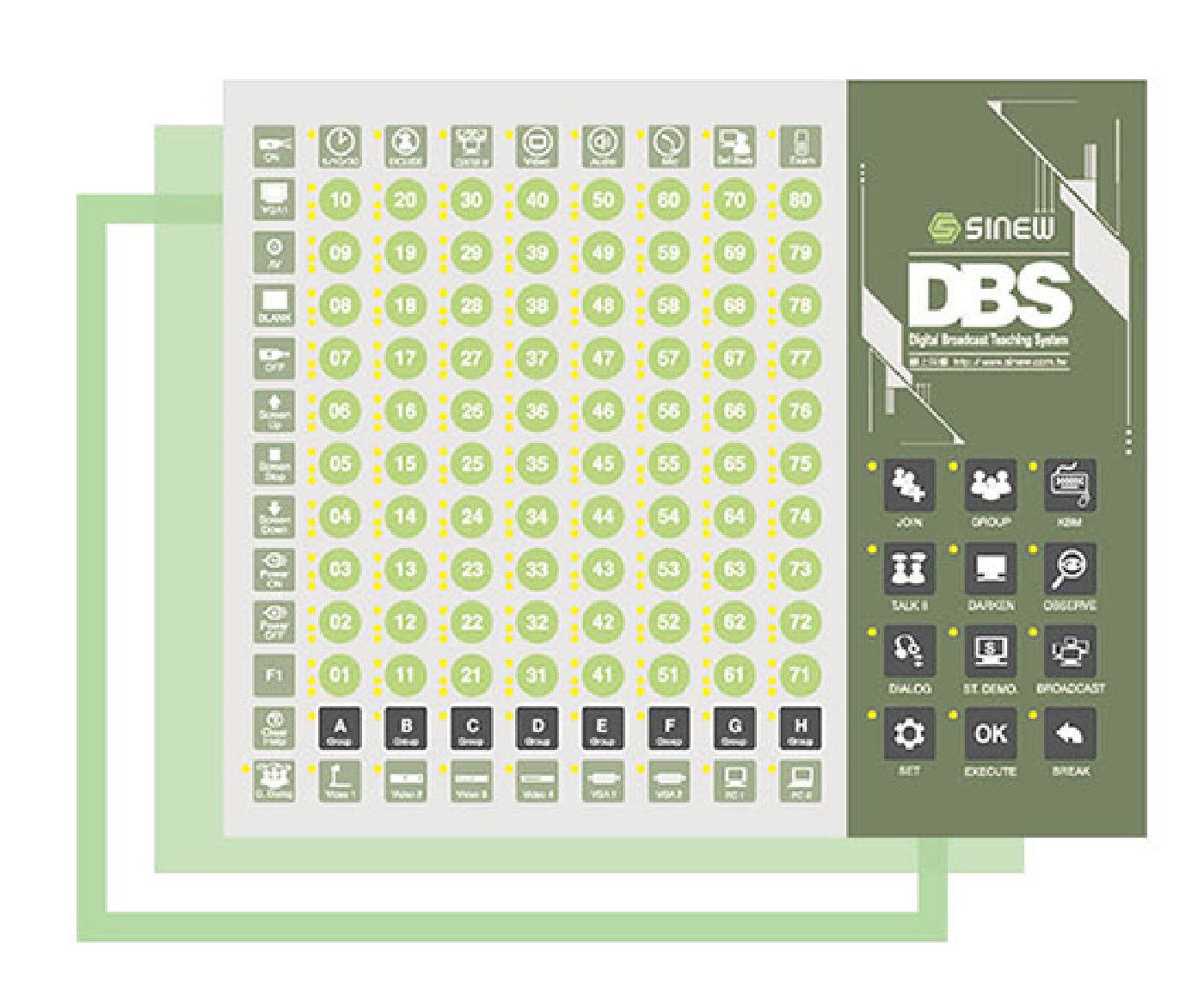
Real-time video/audio/MIC interactive broadcasting and dialogue with high-quality performance Integrate multimedia devices (PC/NB/DVD/Digital Camera etc) and switch the source by the control panel
Wireless Broadcasting and Bluetooth Dual Control
With brand-new touch panel and built-in Bluetooth to support PC, laptop, and tablet wireless broadcasting through iPhone / iPad / Tablet / Smart Phone / NB for teachers to easily present teaching materials with hand-held devices.


Client Record Control
Practice communication skills by oral recording
Quiz / Exam Edit on PowerPoint
Not only easy for teachers to edit teaching materials through PowerPoint but also provides lots of interesting Q and A modes for an in-class activity
Assist students to evaluate their comprehension levels with a paperless exam in PowerPoint format by editing single/multiple choices and true and false questions, or by inserting texts, video and audio files. Moreover, different exam types such as Competition, Interactive Modes, and Anonymous Exam efficiently involve learners in the lecture.


Answer Collection / Analysis
Collect answer and calculate score automatically 1920*1080 high-resolution display
Structure


Wi-Fi Broadcasting through mobile devices
Component

Functions
Interactive Teaching
- Multimedia Sources – Support PC, NB and multimedia devices such as VCD, DVD player, document camera, etc.
- Student Demonstration – Appointed student broadcast the audio & video to all/ partial students.
- Darken – Darken all/partial student screens to make them concentrate on class.
- Individual Instruction – Student can call for help to ask the teacher’s individual guidance.
- Exclude – Under teacher’s broadcasting, assigned student ID will be viewed as offline and be able to self control their PC.
- Self Study – Students can choose to receive a teacher’s broadcasting or self-study freely.
- Roll Call – Online roll call.
Dialogue
- Dialogue to all / partial – Teacher can talk to all or partial student.
- Model Dialogue – Appointed student’s dialogue can broadcast to all or partial students.
- Group Dialogue Demo – Broadcast appointed group dialogue to all students.
- TALK II – Students share one box reach mutual discussion commanded by the teacher.
Evaluation
- In- class Evaluation – Evaluating student comprehension levels at once.
- Competition – Whole class competing with each other by small games to figure out who is the winner to enrich teaching.
- Anonymous Mode – Anonymous voting according to different subjects.
Data Management
- Quiz / Exam Edition – Quick edit questions on Power Point.
- Answer Collection / Analysis – Collect students’ answers and calculate score automatically.
- Import/export data – Import/export class information and make grade report.
Optional
- Client Recorder Control – Students can practice communication skill, speaking and listening ability by oral recording.
- Collect / Send Files – Send & Collect files/homework to students’ PC.
- Marquee – Define special instruction or message as marquee on students’ PCs.
- Teacher Message – Text messages between teacher and student.
- Split Screen Monitor – Monitor students’ PC by split-screen mode.
- Monitor Recording – Record audio/video of teacher’s PC.
Applications

Contact for price: Whatsapp 08025910090
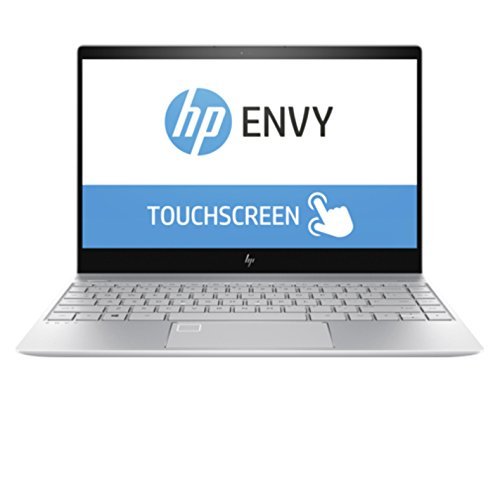
HP Envy 13t 4K Touchscreen Laptop: Core i7-8550U, 16GB RAM, 512GB SSD, 13.3-inch UHD Display, NVIDIA GeForce MX150 Graphics


LEAD 2.4Ghz Wireless Rechargeable Mouse for Android, Apple and Windows
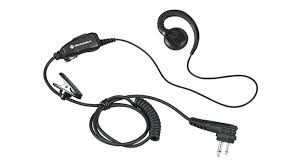
KO6 Earpiece
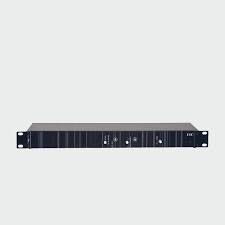
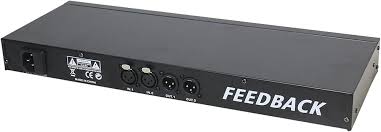
Feedback Suppressor (Wired)
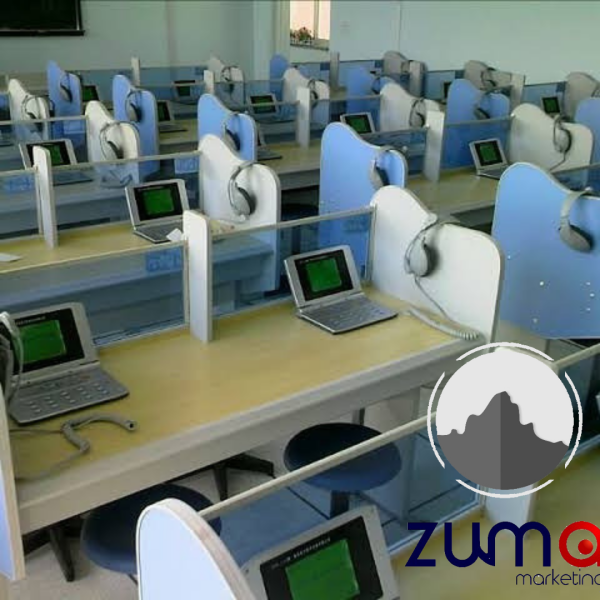
Language Laboratory System B-2086A Digital Lab
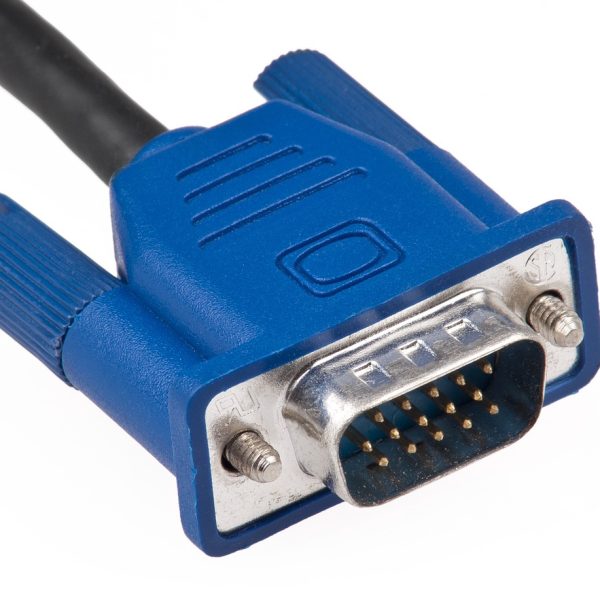
15 Meter, High Resolution VGA Cable -HD15
Related Products
UK Used Projector (Grade A)
Pen Mouse

Magnetic Eraser/Duster
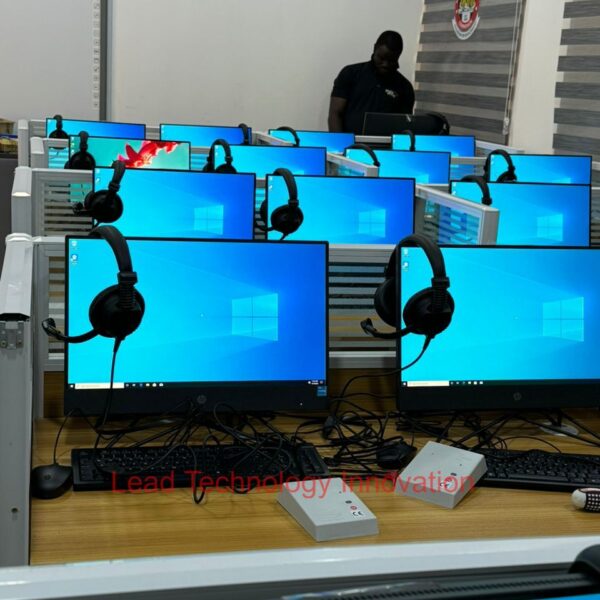
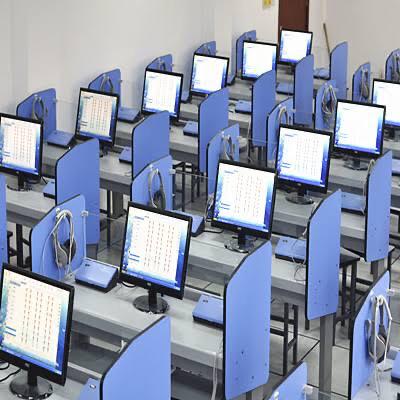
Language Lab Device (Including Headset)
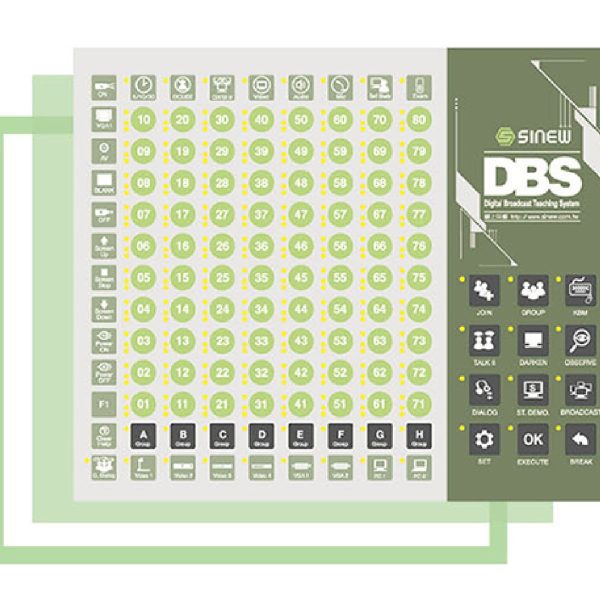
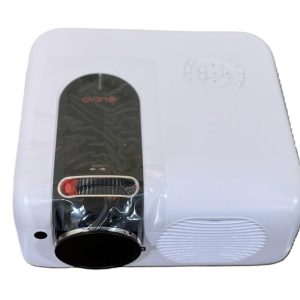
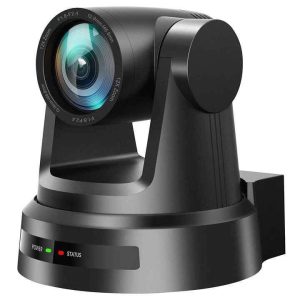 Video Conferencing Solution
Reviews
There are no reviews yet.